


Help Center
Choose your space below. You’ll find quick answers, short guides, and a way to contact us if needed.
Candidate guides
Step-by-step answers to the most common questions.
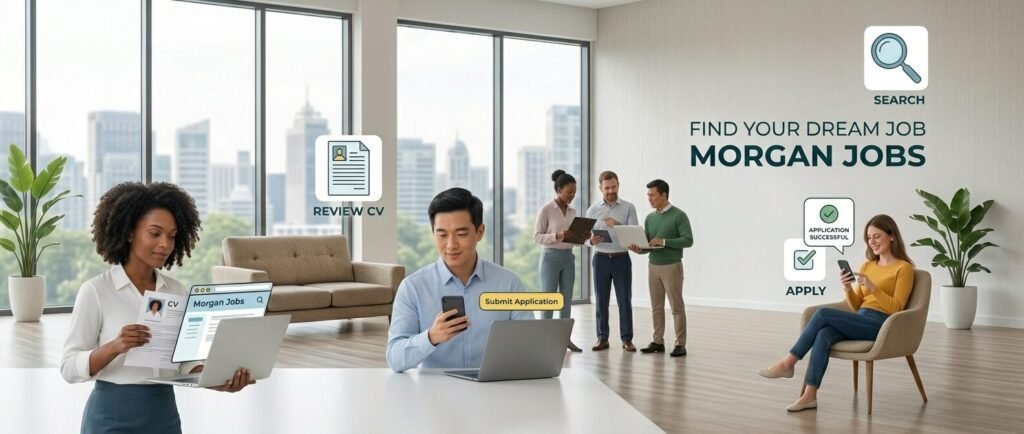
- Create your account and confirm your email (if asked).
- Complete your profile: title, location, availability, skills.
- Upload your CV/Resume (PDF recommended).
- Search jobs and apply with a short message.
- Track applications from your dashboard.
- Open a job listing and click Apply.
- If you’re not logged in, log in first (this protects candidates and employers).
- Attach your CV/Resume and add a short message.
- Submit. You can follow the status in your dashboard.
- Add certificates clearly (CACES, HACCP, SST, Permis B).
- Write a 2–3 line summary: role + availability + location.
- Keep your CV updated and readable.
- Reset your password and check spam for the email.
- Try an incognito/private window.
- If you still can’t access your account, contact support.
Employer guides
Clear, practical answers for posting and hiring.

- Create an Employer account and confirm your email (if asked).
- Create your company profile (name, logo, description, contact).
- Post a job and publish it.
- Review applicants from your dashboard.
- Use a clear title candidates search for.
- List requirements early: location, shifts, certificates.
- Add salary when possible (helps conversion).
- Keep it skimmable: short sections + bullet points.
- Open your dashboard to see new applications.
- Reply quickly and be clear about next steps.
- Go to your dashboard and open Billing / Subscription.
- Update payment method, view invoices, upgrade or cancel.
Still need help?
If you can’t find what you’re looking for, contact support. Include your account email and what you tried.
For more details, see our Terms of Use and Privacy Policy.